
 CRE Agents
Firm admin overview
What firm admins do in the CRE Agents portal: firm setup, team and seats, departments and catalog menus, requests, your plan and credits, and identity.
If you’re an admin on a Team or Enterprise plan, the portal has a second space just for running your firm. Flip the Me / Firm switch at the top of the left menu to get there.
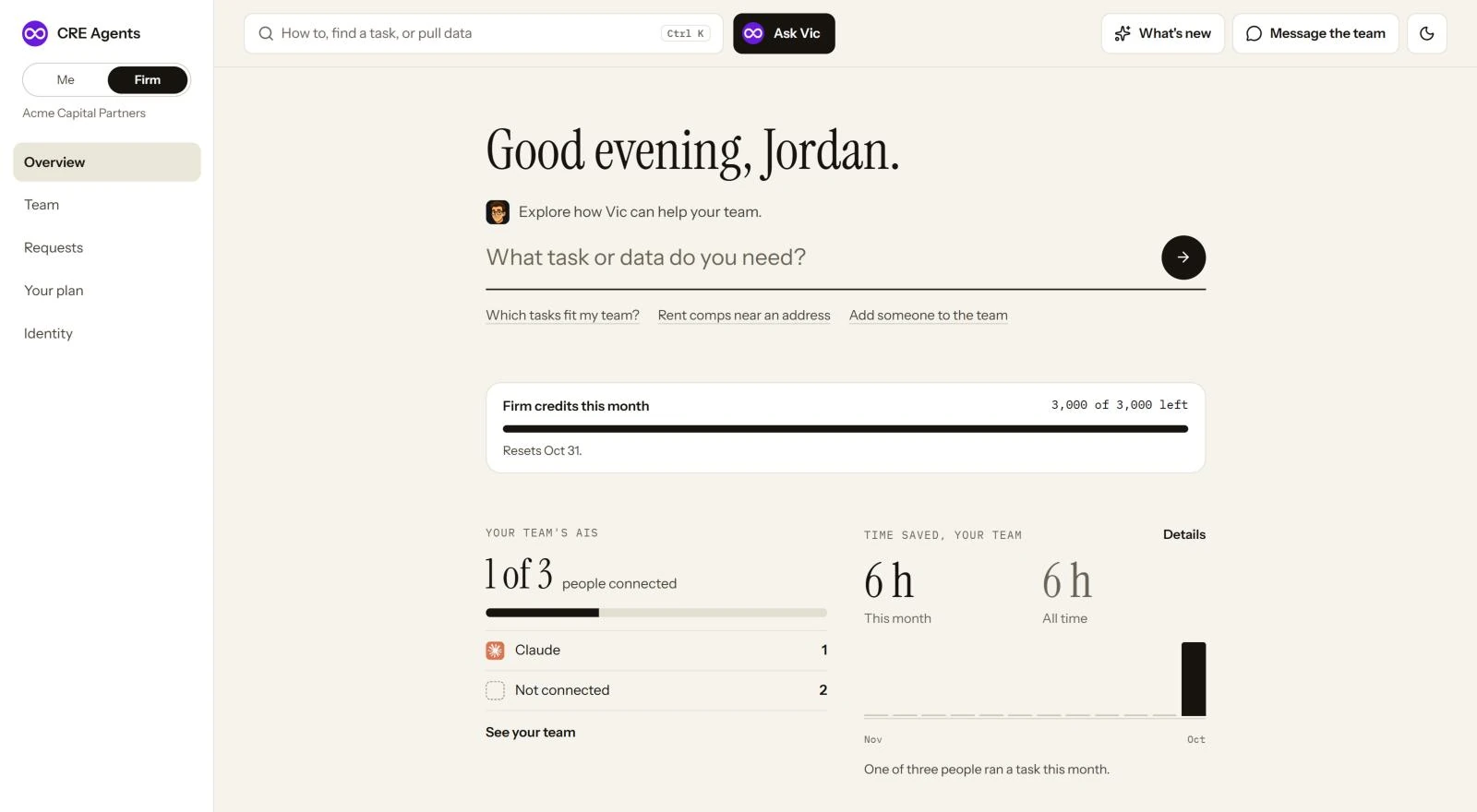
The Firm pages
Section titled “The Firm pages”| Page | What you do there |
|---|---|
| Overview | Your team’s Home: ask Vic about your firm, the credits left this month, who’s connected an AI, and your team’s time saved. |
| Team | Invite people, set up departments and their catalog menus, make someone an admin, or remove a seat. |
| Setup | The first time you sign in, you set up the firm before your own account. See Set up your firm. |
| Requests | Answer people who asked for a catalog or another seat. |
| Your plan | See your seats, catalogs per seat, and the firm’s pooled credits. |
| Identity | Set your firm’s name, logo, and the type style your AI uses for deliverables. |
Admins and members
Section titled “Admins and members”| Member | Admin | |
|---|---|---|
| Connects an AI and runs tasks | ✓ | ✓ |
| Picks their own catalogs | ✓ | ✓ |
| Sees the Firm pages | ✓ | |
| Invites people and removes seats | ✓ | |
| Sets departments and their menus | ✓ | |
| Sets the firm’s identity | ✓ | |
| Sees the firm’s credits | ✓ |
Members never see credits or limits. The credit pool lives on the Firm pages only.
Next steps
Section titled “Next steps”Set up your firmIdentity, departments and your team, in one go.
Team and seatsInvite people and set up departments.
IdentityPut your firm's name and type on every deliverable.
© 2026 CRE Agents. All rights reserved.
AI can make mistakes. Please double-check responses. Not tax, legal, or investment advice.