
 CRE Agents
Time saved
The hours your tasks gave back, every run, and a log of what your AI did.
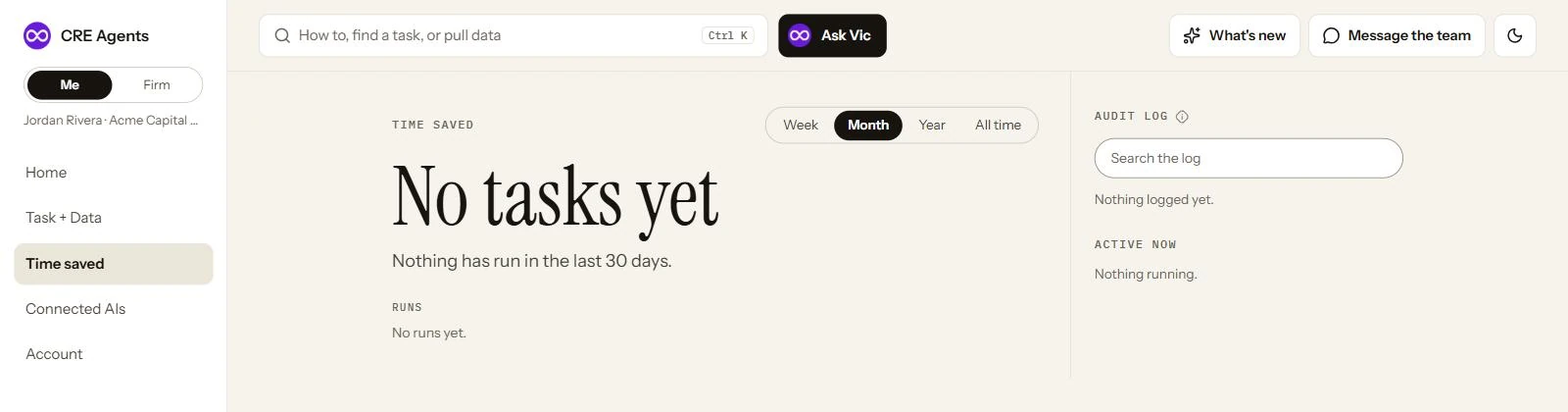
What’s on the page
Section titled “What’s on the page”| Section | What it shows |
|---|---|
| Time saved | Hours back for the week, month, year or all time. Pick the window at the top. |
| Runs | Every task you ran, newest first. |
| Audit log | Every call your AI made through CRE Agents. Search it by task or data source. Entries are kept for a limited time. |
| Active now | Tasks running right now. |
How hours are counted
Section titled “How hours are counted”Every task has a benchmark: how long the same work takes an analyst by hand. When a task finishes, its benchmark counts toward your time saved. Home shows this month and all time.
Next steps
Section titled “Next steps”Find and run tasksRun one and watch the hours add up.
Connected AIsWhich AIs are running your tasks.
© 2026 CRE Agents. All rights reserved.
AI can make mistakes. Please double-check responses. Not tax, legal, or investment advice.