
 CRE Agents
Quickstart
Get started with CRE Agents in five steps: open your invite, sign in with a code, finish setup, connect your AI, and ask Vic for real CRE work.
-
Open your invite. Your firm’s admin adds you to CRE Agents, and you get an email. That email address is your CRE Agents sign-in.
-
Sign in to the portal. Go to app.creagents.com and enter your work email. We email you a six digit code. There’s no password.
-
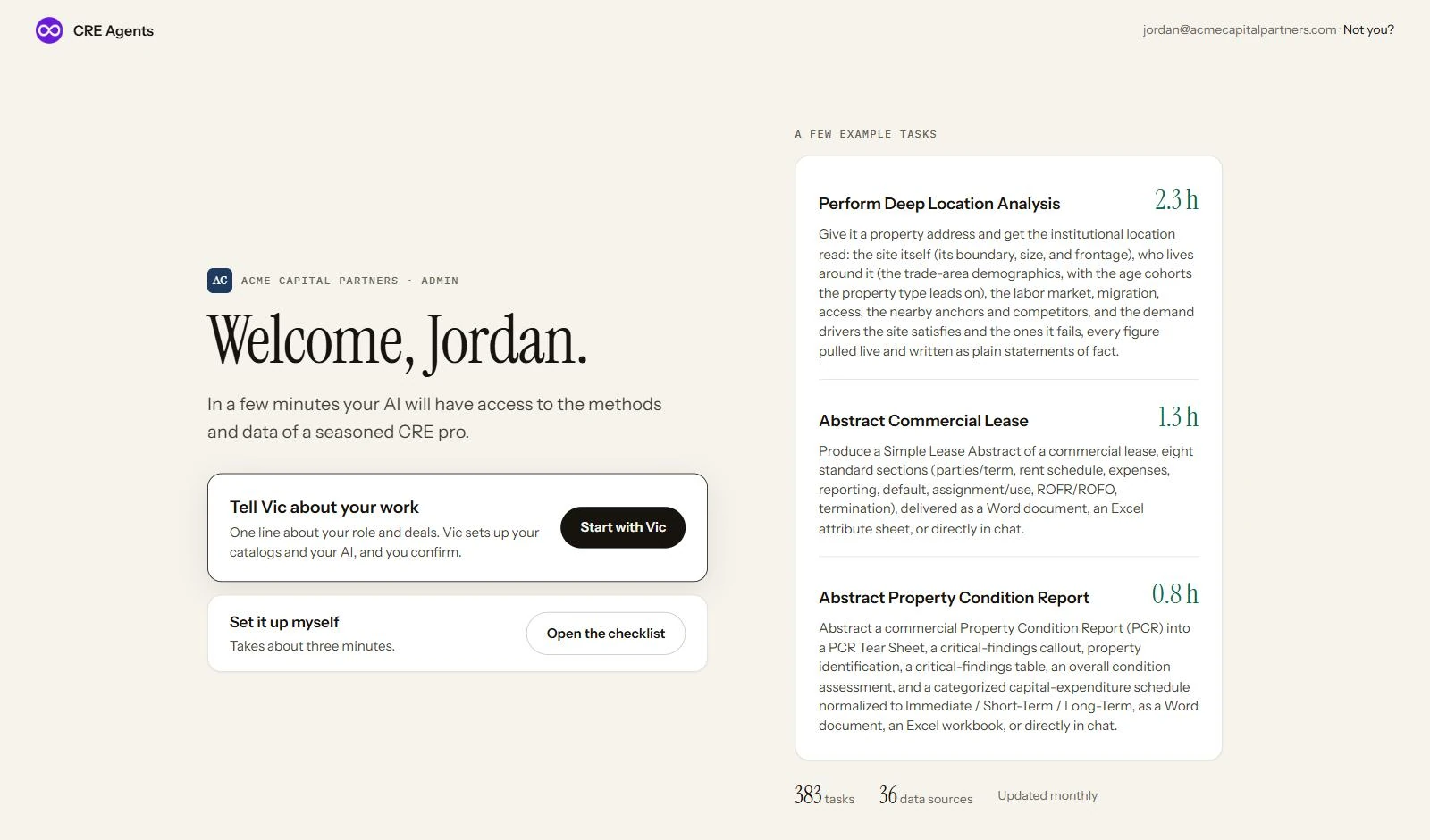
Finish setup. The first time you sign in, setup asks about your work, has you pick catalogs, and connects your AI. Do it with Vic or by hand. See it step by step. Admins set up the firm first. See firm setup.
-
Connect your AI. Pick the AI you already use and follow its steps.
-
Ask for real work. Open your AI and start with “Use Vic to”. For example: “Use Vic to abstract this lease.”
Pick your AI
Section titled “Pick your AI” Claude
 ChatGPT
 Copilot
 Perplexity
 Codex
Codex Manus
Manus Grok
Grok Any other AI
What happens when you ask
Section titled “What happens when you ask”Use Vic to run a hold-sell analysis. Vic hands the AI the playbook, the AI asks one question, pulls Vic's data, and delivers an Excel decision workbook with a short recommendation.
One task, start to finish. More on Find and run tasks.
Next steps
Section titled “Next steps”© 2026 CRE Agents. All rights reserved.
AI can make mistakes. Please double-check responses. Not tax, legal, or investment advice.