
 CRE Agents
Identity
Set it once, and every deliverable your firm's AI writes comes out in your firm's name and type.
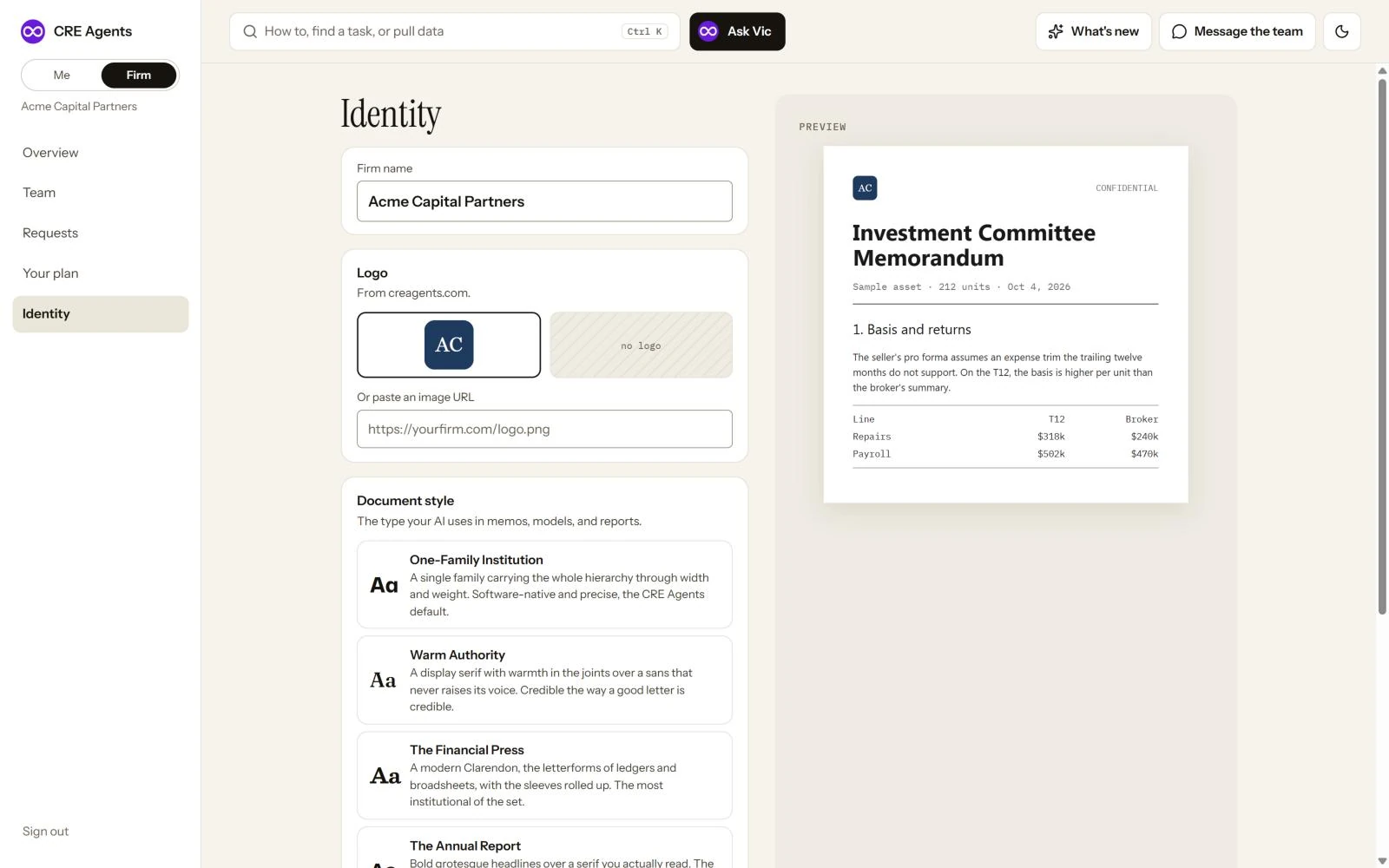
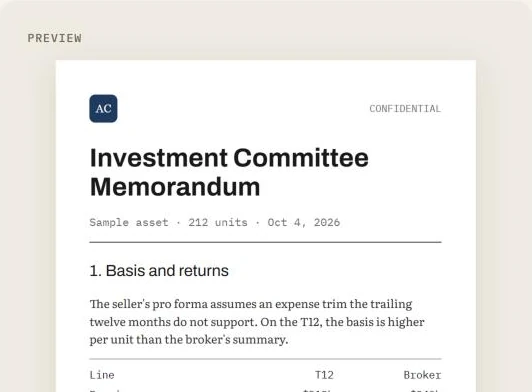
Watch the preview change
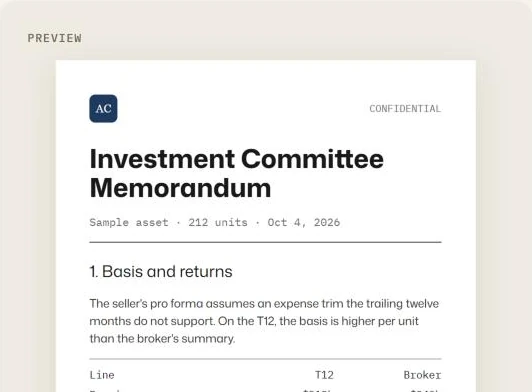
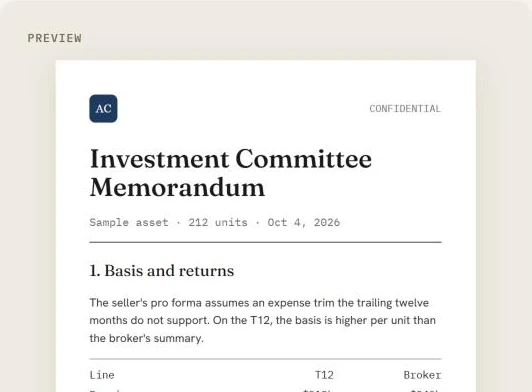
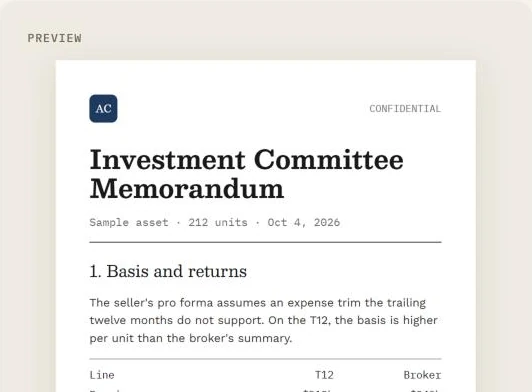
Section titled “Watch the preview change”Four document styles
What you set
Section titled “What you set”Firm name. How your firm appears on deliverables.
Logo. The portal looks up logos from your firm’s web domain. Pick one, or paste a full https:// link to your logo image.
Document style. The typographic voice of the memos, models and reports your AI produces.
| Style | Feels like |
|---|---|
| One-Family Institution | Precise and software-native. The CRE Agents default. |
| Warm Authority | A warm display serif over a quiet sans. Credible the way a good letter is. |
| The Financial Press | Ledger and broadsheet letterforms. The most institutional of the set. |
| The Annual Report | Bold headlines over a serif you read. Long memos feel authored. |
| The Contrarian | One big display serif, everything else quiet. The boldest. |
| No style | No type instruction. Your AI uses its own judgment, so output varies. |
Picking a style only changes the preview. Click Save identity to keep it. Your AI uses it from the next deliverable.
Next steps
Section titled “Next steps”Team and seatsInvite your team.
Admin overviewEverything on the Firm pages.
© 2026 CRE Agents. All rights reserved.
AI can make mistakes. Please double-check responses. Not tax, legal, or investment advice.