
 CRE Agents
What's New
What's New in the CRE Agents portal lists new tasks, new data sources and platform features as they ship, with a prompt to try each new task.
Click What’s new in the top bar. A dot on it means there’s something you haven’t seen.
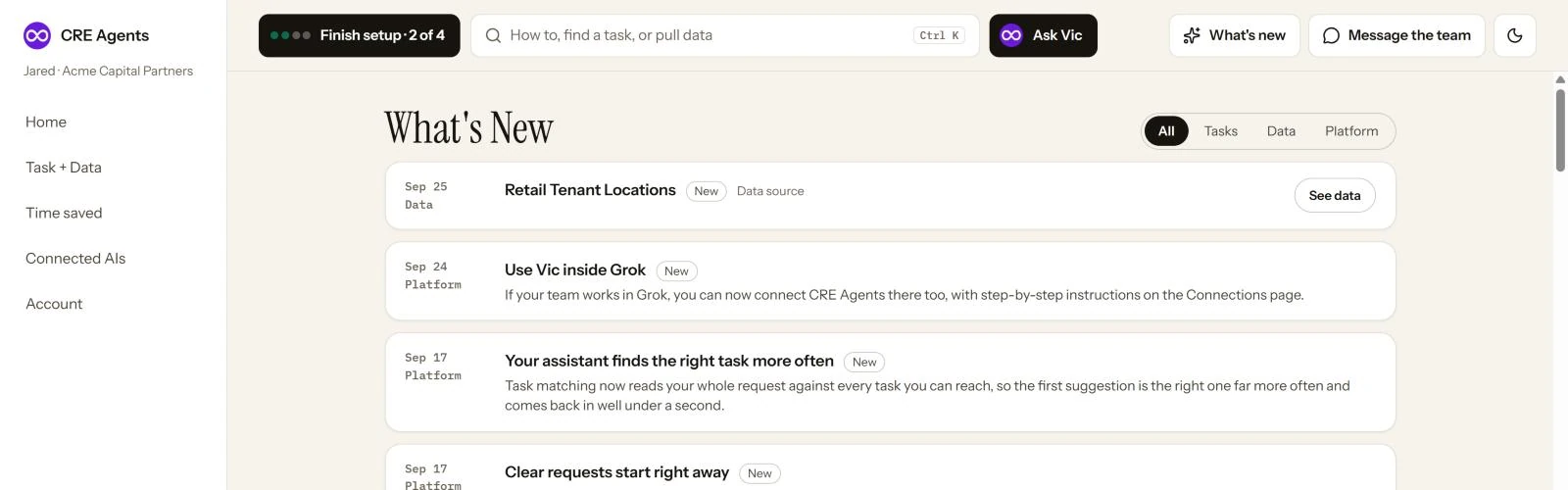
New tasks come with Copy prompt, so you can try one in your AI right away.
Next steps
Section titled “Next steps”Platform updatesChanges to the product itself.
Find and run tasksTry a new task.
© 2026 CRE Agents. All rights reserved.
AI can make mistakes. Please double-check responses. Not tax, legal, or investment advice.